 Start free
Your hard work should bring you more work.
DoneAsk helps turn finished jobs into customer feedback and Google reviews, using a WhatsApp assistant called Chino.
Set up your business once. After that, just message Chino on WhatsApp whenever you finish a job. Chino handles the follow-up while you get back to work.
Start freeWatch how to start in 45 seconds →
We personally activate Chino for your business within one working day. Then connect your WhatsApp to start.
Assisted beta in English. Only contact customers who have agreed to a WhatsApp follow-up. While we activate Chino, you can prepare messages here and send them yourself.

A sample conversation, not a customer testimonial.

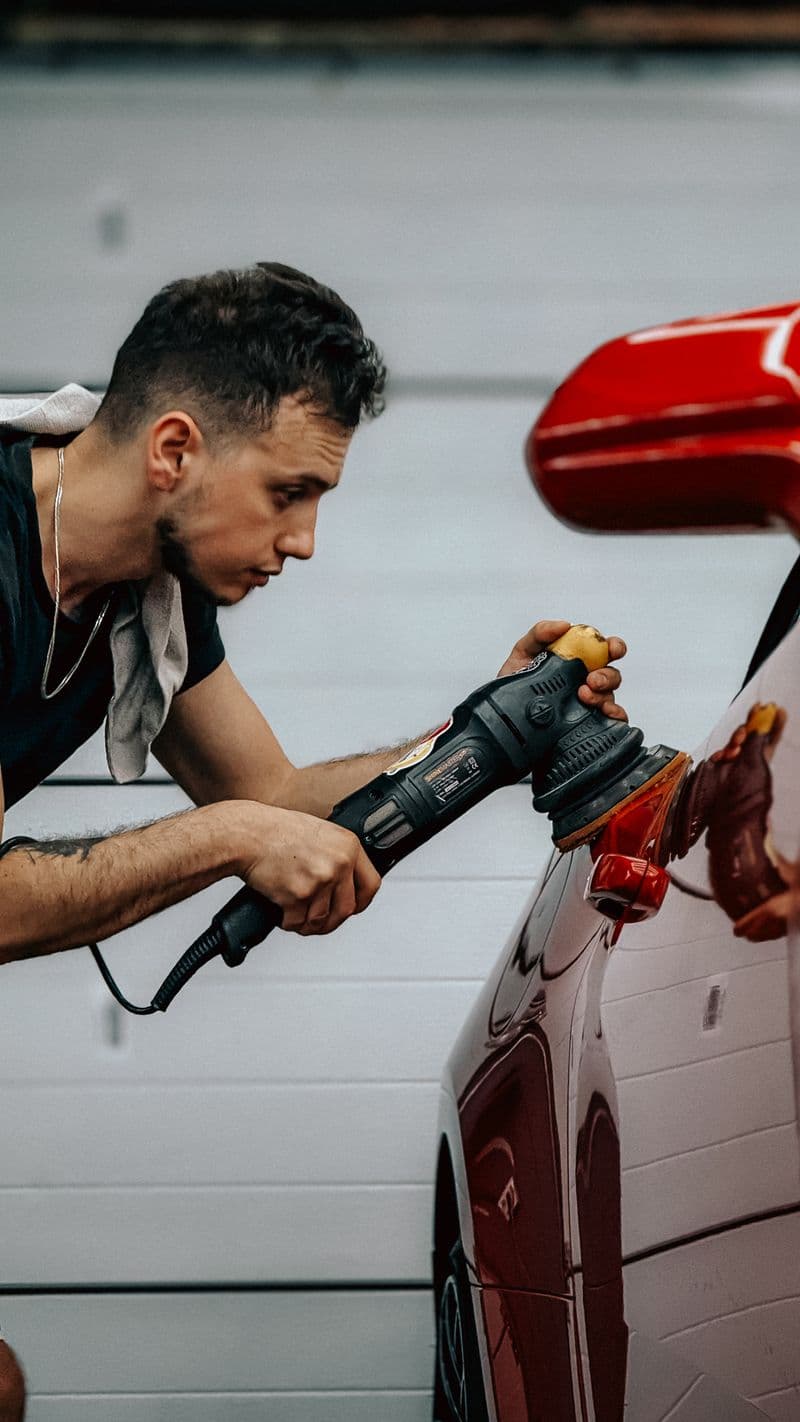

For local service businesses—not just these four.
Plumbers, electricians, gardeners, cleaners, barbers, detailers, painters, movers, pet groomers and more.
See how it works for different businesses →Illustrative demo. Chino is personally activated within one working day. Assisted beta in English; customer permission is required. Google review invitations require your business’s valid review link.
It’s simple.
Finish the job, tell Chino, and get back to work.
- 1
Set up DoneAsk once
Add your business and Google review destination. We activate Chino, then you connect your WhatsApp.
- 2
Finish a job
Do what you do best.
- 3
Tell Chino on WhatsApp
Send the customer’s name and number. A job note is optional. Check the details and confirm the customer agreed to a WhatsApp follow-up.
Alex [customer’s number] fixed the kitchen tap
- 4
Chino takes over
Chino checks in, collects feedback and gives every replying customer the same opportunity to leave an honest Google review, when your business has a valid review destination.
You don’t need to open DoneAsk after every job. Once Chino is activated and connected, daily use happens in WhatsApp. Use the DoneAsk website for setup, feedback, usage, settings and subscription management.
Want to send it yourself? Enter the customer’s details on DoneAsk, check the prepared message, open WhatsApp and press Send. Replies stay in your own WhatsApp.
DoneAsk gives you an assistant you message.
Finish the job, tell Chino, and get back to work.
Start freeWorker photography illustrates the services shown. People pictured are not presented as DoneAsk customers.